Three.js 常用几何体(Geometry)详解
在 Three.js 中,几何体(Geometry) 负责定义物体的顶点位置、面索引、法线和 UV 坐标;再结合 材质(Material),就能组合成可渲染的网格物体(THREE.Mesh)。
下面整理了开发中最常用的 6 种内置基础几何体以及自定义 BufferGeometry 的标准写法与内存释放建议。
常用几何体速览
| 几何体类名 | 用途 | 关键分段参数 |
|---|---|---|
BoxGeometry | 立方体 / 长方体 | widthSegments, heightSegments, depthSegments |
SphereGeometry | 球体 / 半球 | widthSegments, heightSegments(越大越圆滑) |
CylinderGeometry | 圆柱体 / 圆台 | radialSegments, heightSegments |
PlaneGeometry | 矩形平面 / 地面 | widthSegments, heightSegments |
TorusGeometry | 圆环 / 管道圈 | radialSegments, tubularSegments |
ConeGeometry | 圆锥体 | radialSegments, heightSegments |
1. BoxGeometry(立方体几何体)
new THREE.BoxGeometry(width, height, depth, widthSegments, heightSegments, depthSegments);width/height/depth:宽、高、深(默认均为1)。widthSegments/heightSegments/depthSegments:对应方向的分段数(默认均为1)。如果只需要纯色展示,保持1即可;若要做顶点变形动画再调大。
const geometry = new THREE.BoxGeometry(5, 5, 5);
const material = new THREE.MeshStandardMaterial({ color: 0x00ff00 });
const cube = new THREE.Mesh(geometry, material);
scene.add(cube);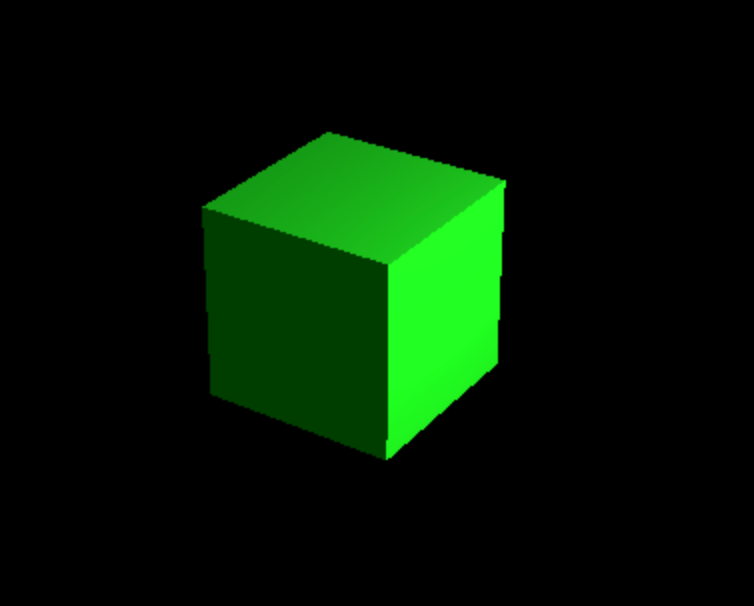
2. SphereGeometry(球体几何体)
new THREE.SphereGeometry(radius, widthSegments, heightSegments, phiStart, phiLength, thetaStart, thetaLength);radius:球体半径(默认1)。widthSegments:经度方向分段数(默认32,调高可消除锯齿感)。heightSegments:纬度方向分段数(默认16)。phiStart/phiLength:水平起始角与扫描弧长(默认0到Math.PI * 2)。thetaStart/thetaLength:垂直起始角与扫描弧长(默认0到Math.PI,调整可制作半球或穹顶)。
const geometry = new THREE.SphereGeometry(5, 32, 32);
const material = new THREE.MeshStandardMaterial({ color: 0x0000ff });
const sphere = new THREE.Mesh(geometry, material);
scene.add(sphere);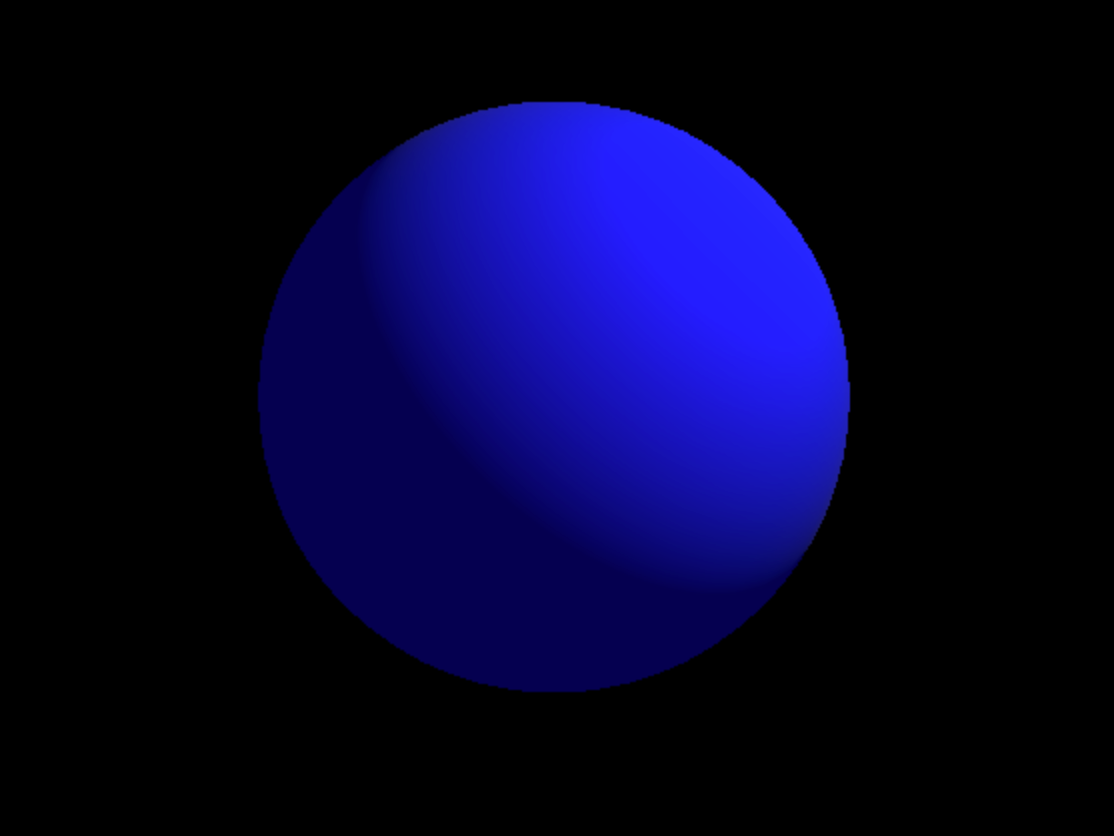
3. CylinderGeometry(圆柱体几何体)
new THREE.CylinderGeometry(
  radiusTop,
  radiusBottom,
  height,
  radialSegments,
  heightSegments,
  openEnded,
  thetaStart,
  thetaLength
);radiusTop/radiusBottom:顶部与底部半径(默认均为1;若两者不同可做出圆台)。height:圆柱高度(默认1)。radialSegments:圆周分段数(默认32)。heightSegments:高度方向分段数(默认1)。openEnded:是否上下开口(默认false封口)。
const geometry = new THREE.CylinderGeometry(3, 3, 10, 32);
const material = new THREE.MeshStandardMaterial({ color: 0xff0000 });
const cylinder = new THREE.Mesh(geometry, material);
scene.add(cylinder);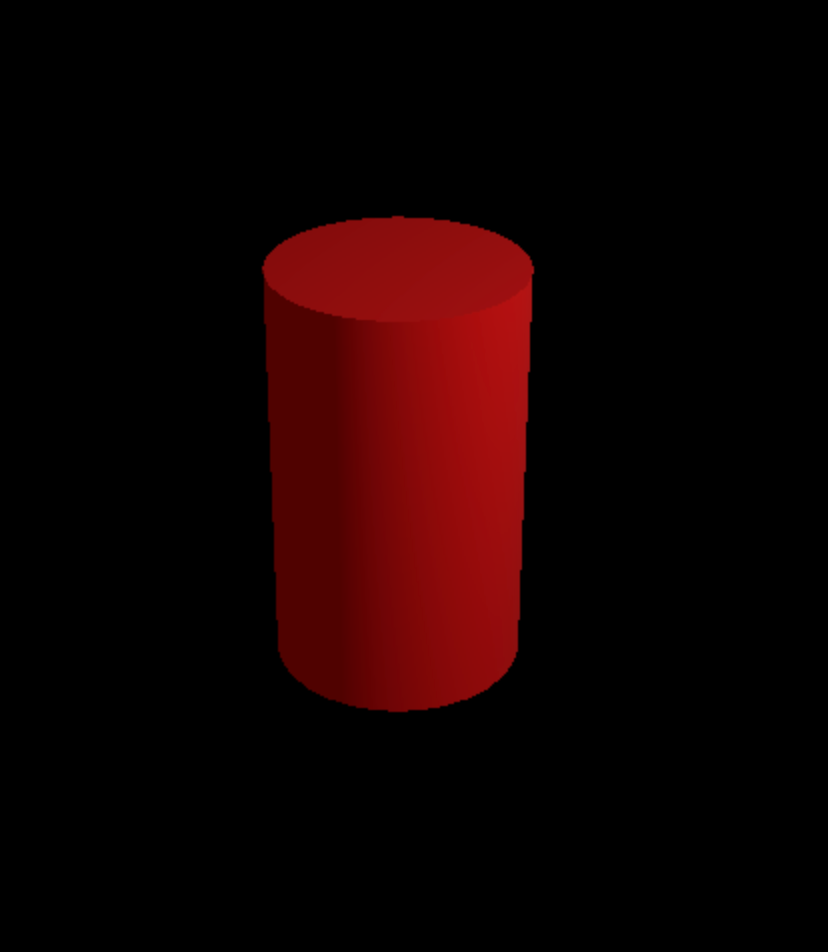
4. PlaneGeometry(平面几何体)
new THREE.PlaneGeometry(width, height, widthSegments, heightSegments);width/height:平面宽度与高度(默认均为1)。widthSegments/heightSegments:水平与垂直分段数(制作起伏地形时需调大)。
避坑提示:平面默认只渲染正面(朝向
+Z),从背面看会透明。如果需要正反两面都可见,请在材质中设置side: THREE.DoubleSide(side是材质属性,不是几何体参数)。
const geometry = new THREE.PlaneGeometry(10, 10);
const material = new THREE.MeshStandardMaterial({
  color: 0x00ffff,
  side: THREE.DoubleSide,
});
const plane = new THREE.Mesh(geometry, material);
scene.add(plane);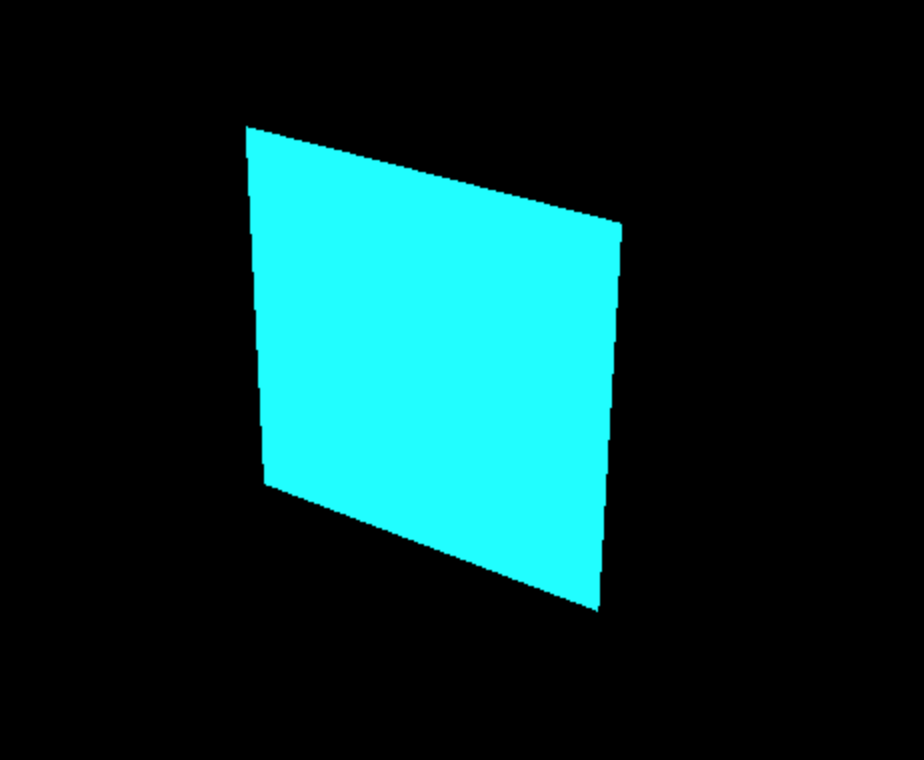
5. TorusGeometry(圆环几何体)
new THREE.TorusGeometry(radius, tube, radialSegments, tubularSegments, arc);radius:圆环主半径(默认1)。tube:管道截面半径(默认0.4)。radialSegments:管道截面分段数(默认12)。tubularSegments:圆环主圆周分段数(默认48)。arc:圆环弧度(默认Math.PI * 2完整圆环)。
const geometry = new THREE.TorusGeometry(5, 1, 16, 100);
const material = new THREE.MeshStandardMaterial({ color: 0xffff00 });
const torus = new THREE.Mesh(geometry, material);
scene.add(torus);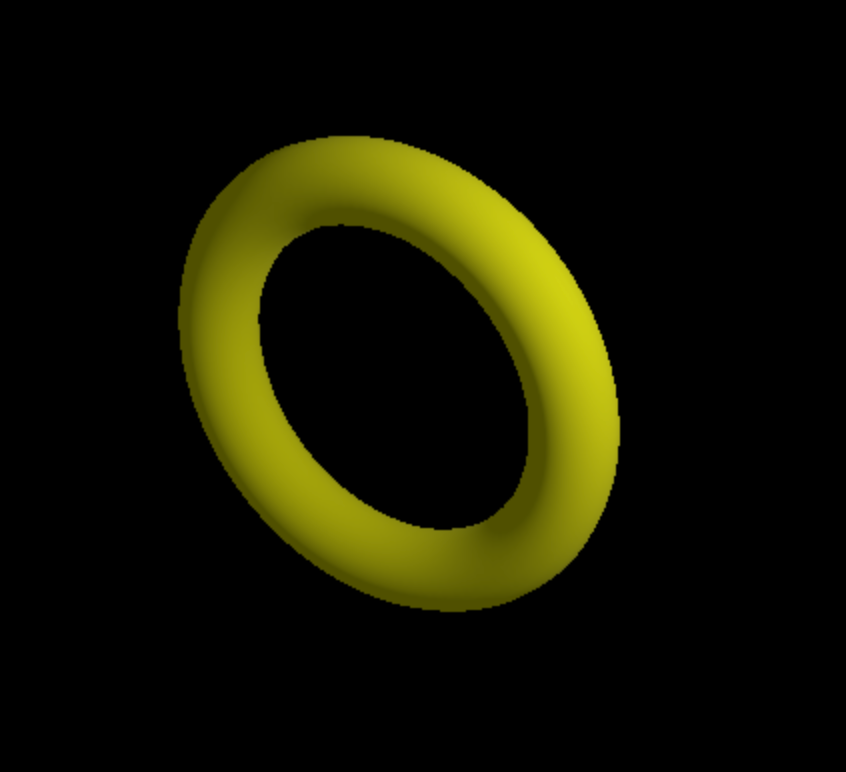
6. ConeGeometry(圆锥体几何体)
new THREE.ConeGeometry(radius, height, radialSegments, heightSegments, openEnded, thetaStart, thetaLength);radius:圆锥底部半径(默认1)。height:圆锥高度(默认1)。radialSegments:底面圆周分段数(默认32)。heightSegments:高度分段数(默认1)。openEnded:底面是否开口(默认false)。
const geometry = new THREE.ConeGeometry(5, 10, 32);
const material = new THREE.MeshStandardMaterial({ color: 0xff00ff });
const cone = new THREE.Mesh(geometry, material);
scene.add(cone);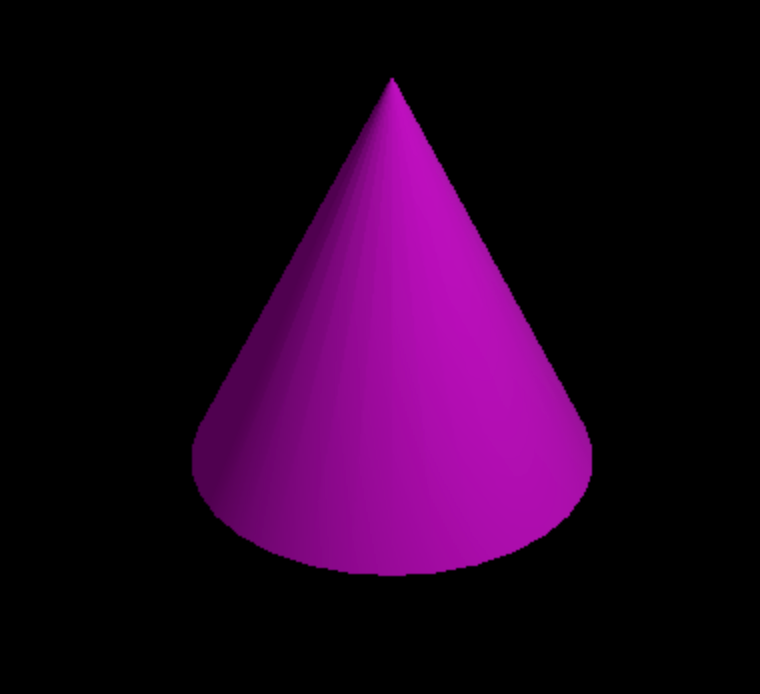
7. BufferGeometry(自定义几何体)
当内置几何体无法满足需求(如不规则建筑轮廓、地形网格、自定义三角面)时,可以使用 THREE.BufferGeometry 手动传入顶点数据:
position:顶点坐标(每 3 个浮点数代表一个顶点的x, y, z)。normal:法线向量(用于光照计算;若不手动传入,可调用geometry.computeVertexNormals()自动生成)。uv:纹理贴图坐标(u, v范围通常为0 ~ 1)。
const geometry = new THREE.BufferGeometry();
const vertices = new Float32Array([
  0, 0, 0, // 顶点 1
  1, 0, 0, // 顶点 2
  0, 1, 0, // 顶点 3
]);

geometry.setAttribute("position", new THREE.BufferAttribute(vertices, 3));
geometry.computeVertexNormals(); // 使用 MeshStandardMaterial 时必须有法线才能正确受光

const material = new THREE.MeshStandardMaterial({
  color: 0x00ff00,
  side: THREE.DoubleSide,
});
const mesh = new THREE.Mesh(geometry, material);
scene.add(mesh);
8. 性能优化与内存释放建议
- 按需设置分段数:分段数越高,顶点和三角面数量呈平方级增长。远景或规则物体尽量用低分段数。
- 复用几何体:场景中大量相同形状的物体(如树、柱子、粒子),应共用同一个
geometry实例,或使用THREE.InstancedMesh。 - 及时销毁:从场景中永久移除物体后,记得调用
geometry.dispose()释放 GPU 显存,避免单页应用切换路由时发生内存泄漏。
